Works On
One phone app for both desktops: a macOS menu bar app and a Windows tray app.
- Phone app
- macOS
- Windows
ConnectMouse turns your smartphone into a wireless touchpad and keyboard for your Mac or Windows PC. Connect over your Wi-Fi in seconds and control your computer from anywhere in the room.
One phone app for both desktops: a macOS menu bar app and a Windows tray app.
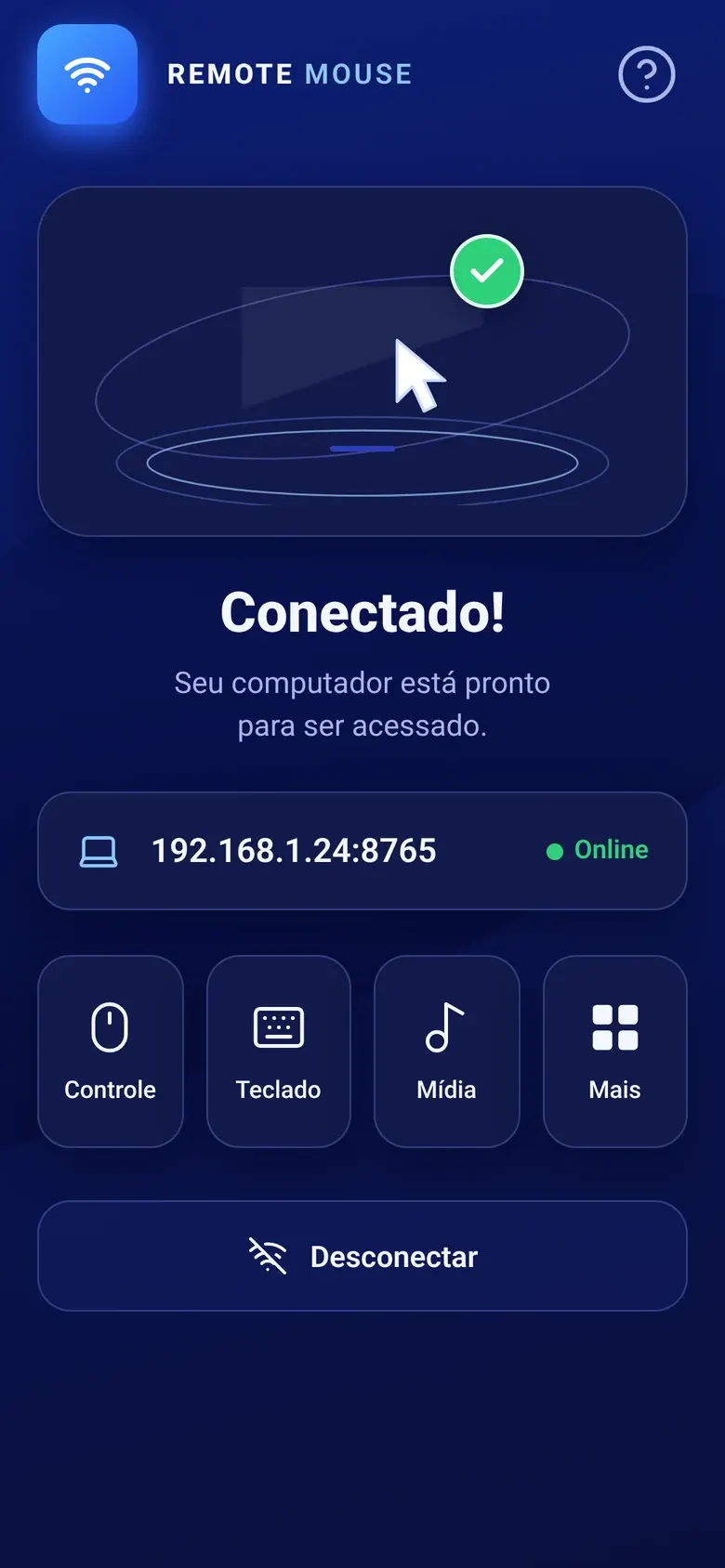
Move, click, scroll and type on your computer without getting up.
Built On Open, Proven Technology
ConnectMouse gives you the freedom to control your computer from wherever you sit — no dongles, no accounts, no cloud.
100%
Local Connection
Commands travel straight from your phone to your computer over your own Wi-Fi.
2 Desktops
macOS & Windows Apps
3 Languages
English, Português, Español
Desktop apps follow your system language automatically.
A responsive touchpad, a real-time keyboard and one-tap controls — designed to make your phone the most convenient input device in the room.
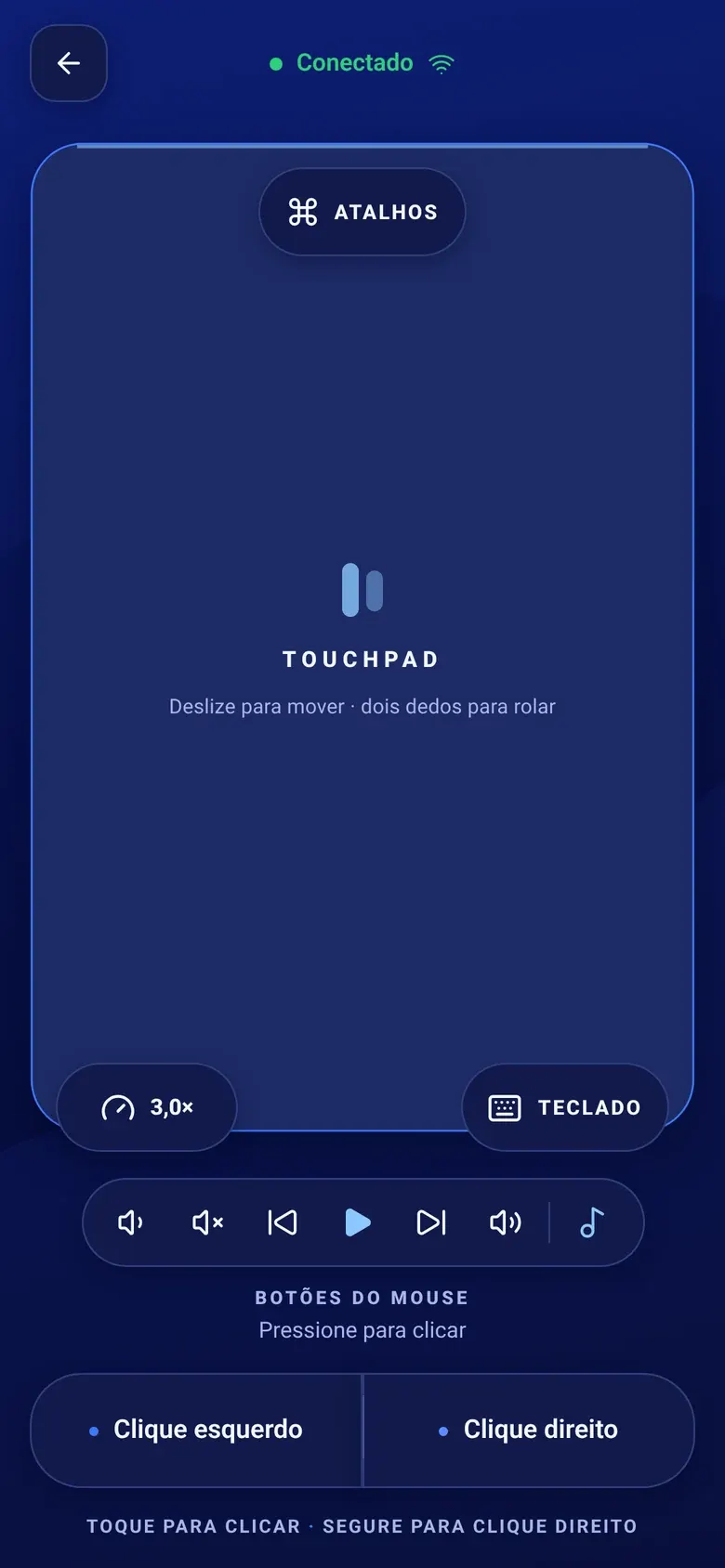
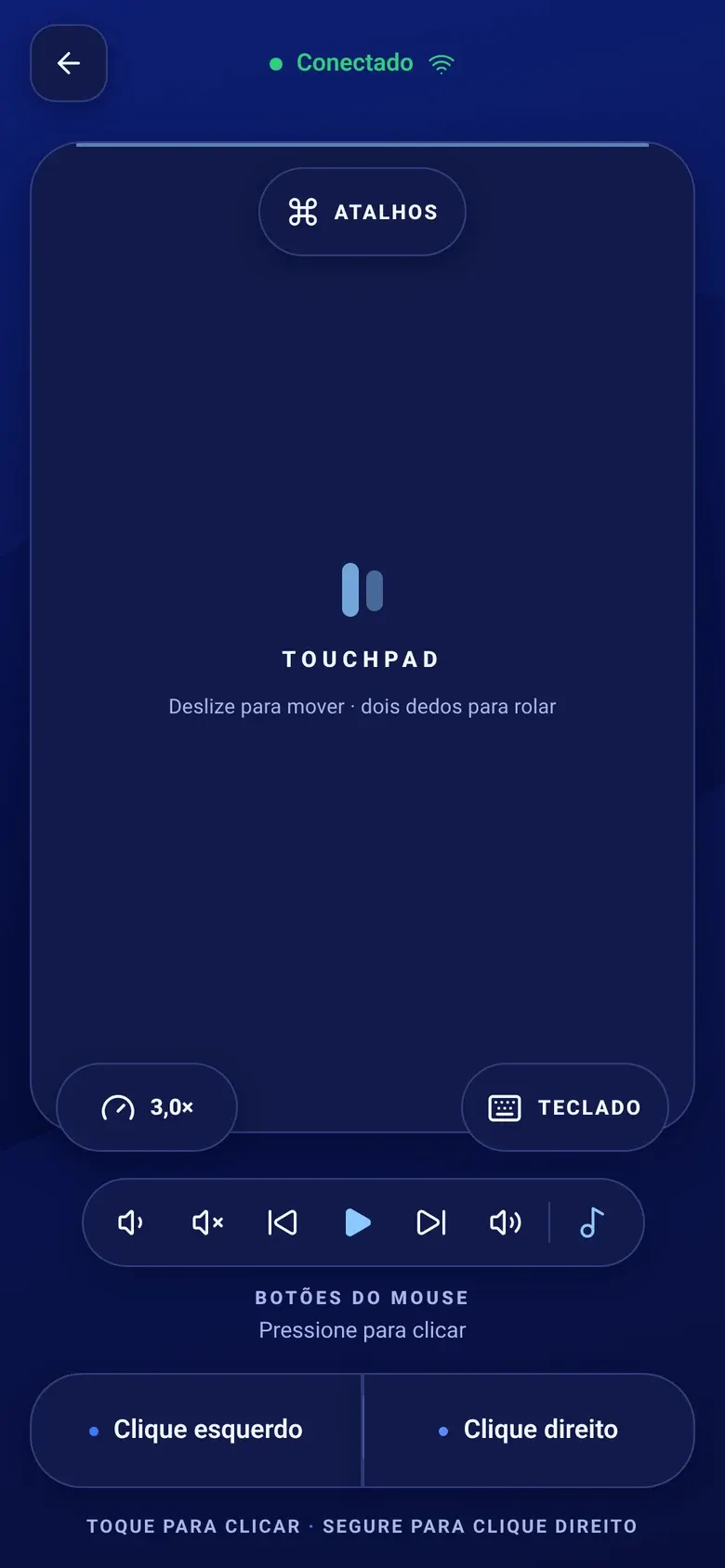
Slide one finger to move the cursor, tap to click, hold for a right-click and use two fingers to scroll.
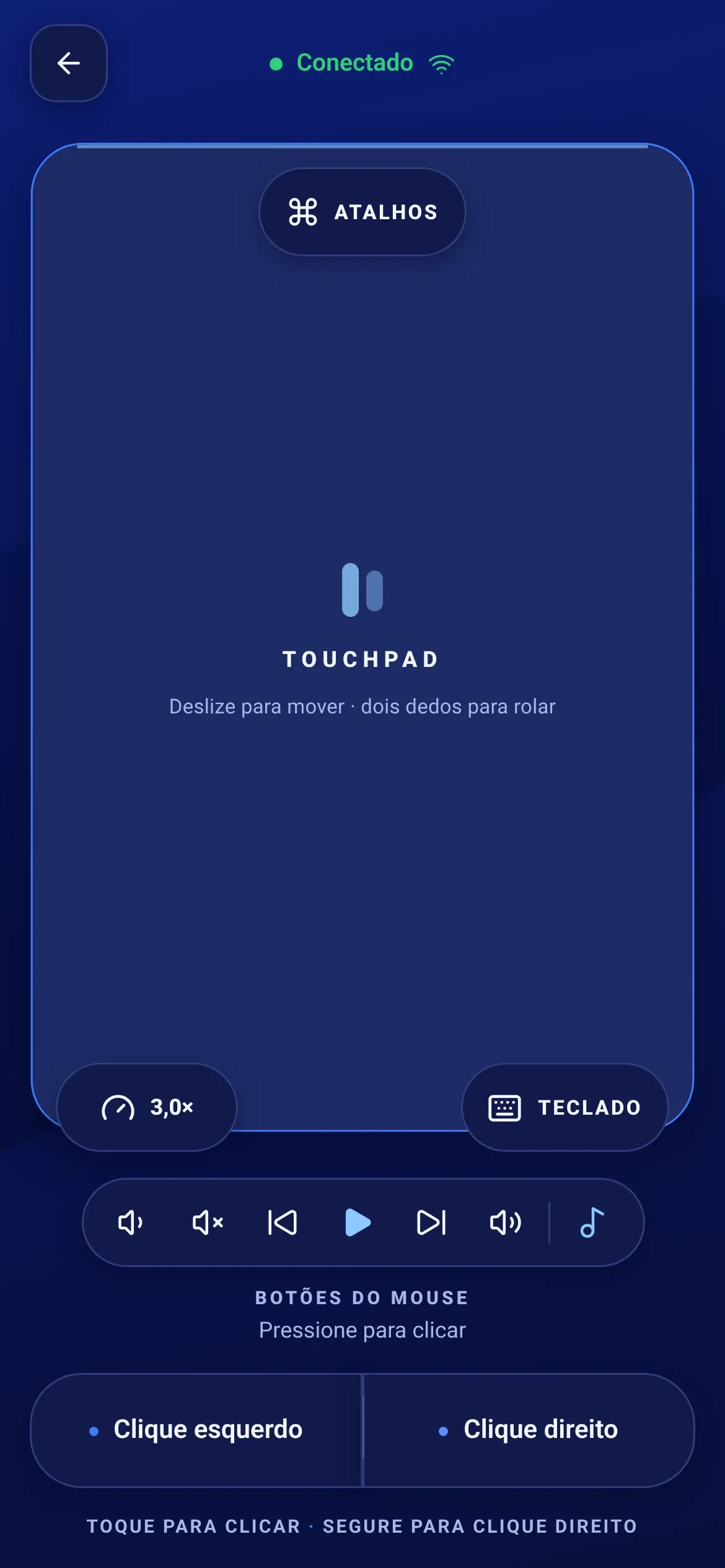
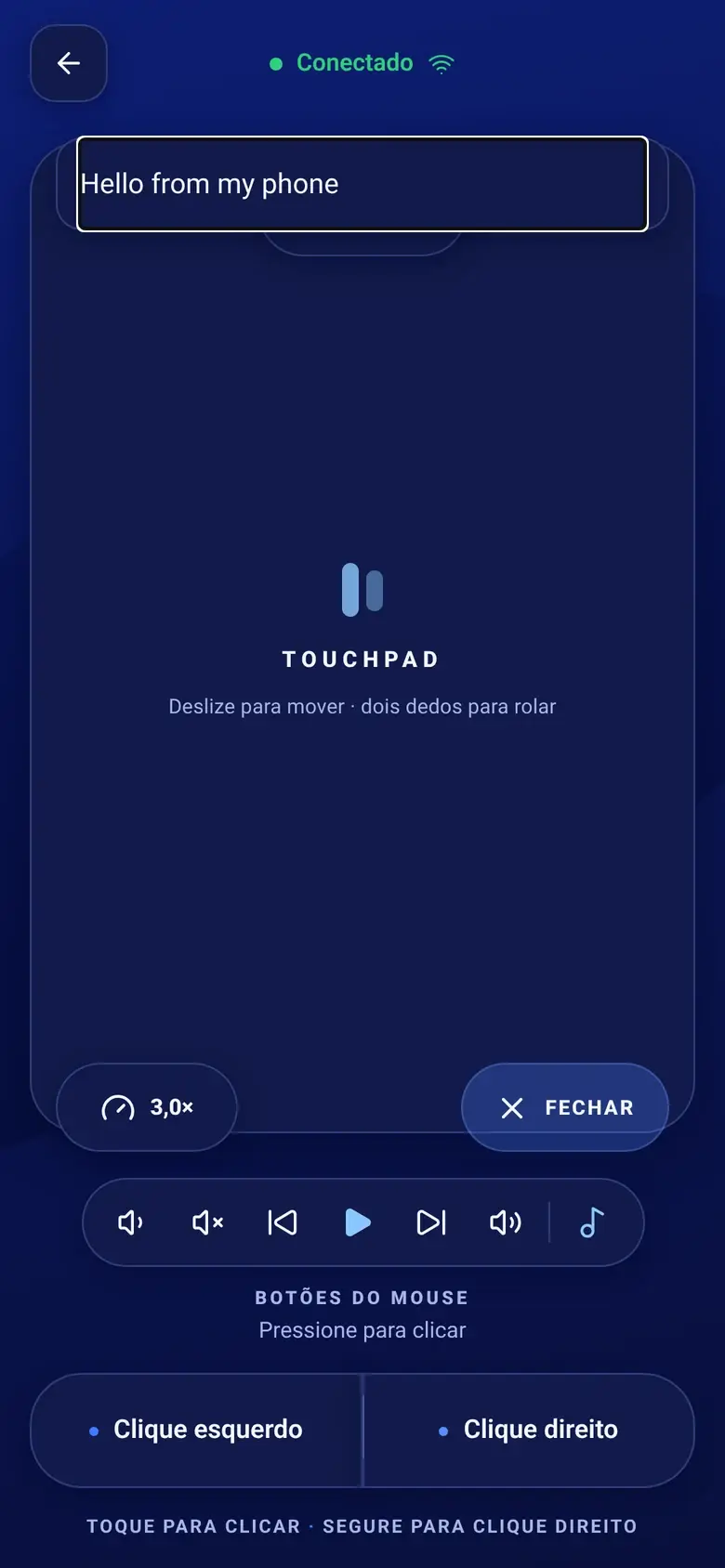
Open the keyboard and everything you type — text, Backspace and Enter — appears on your computer in real time.
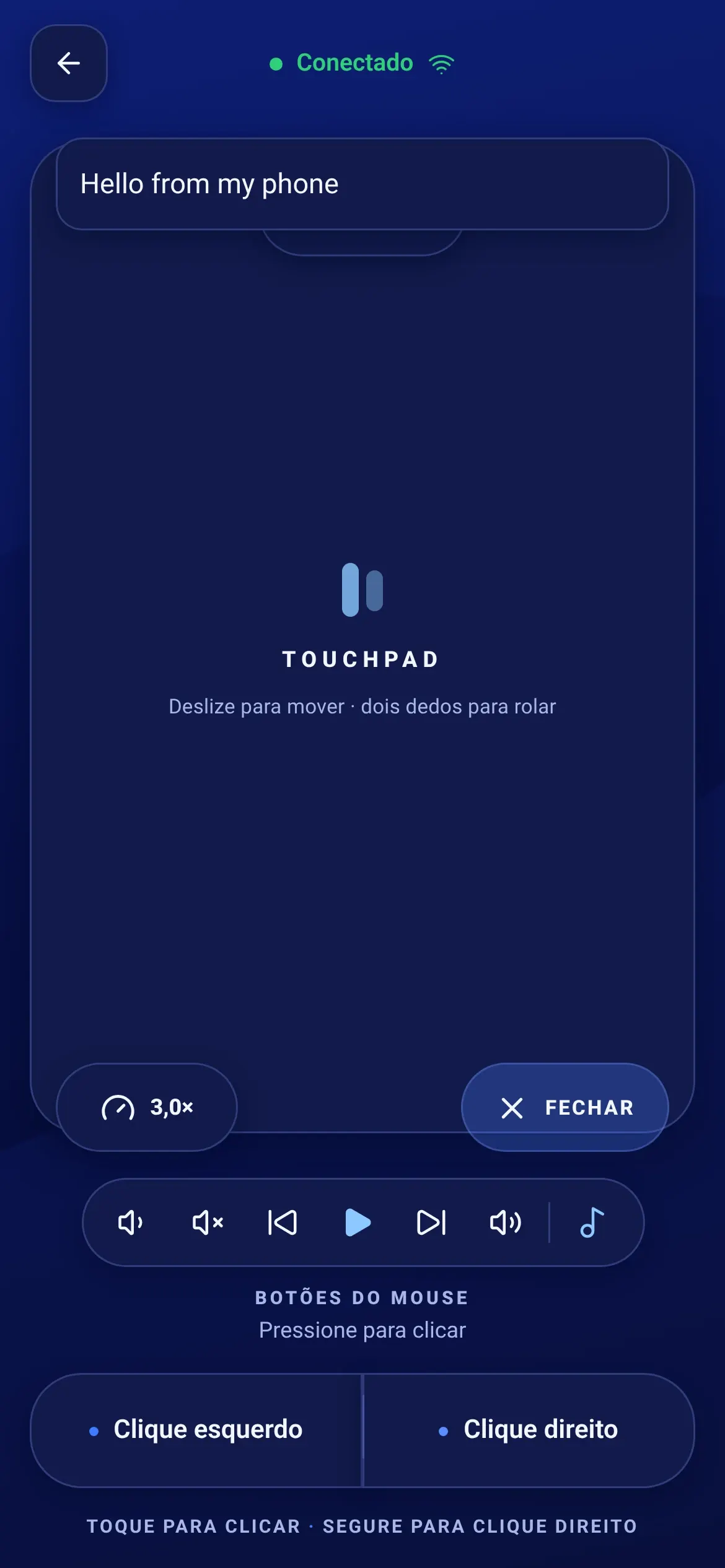
Cmd/Ctrl + C, V, Z, Tab, Esc and more, matched to the computer you are connected to.
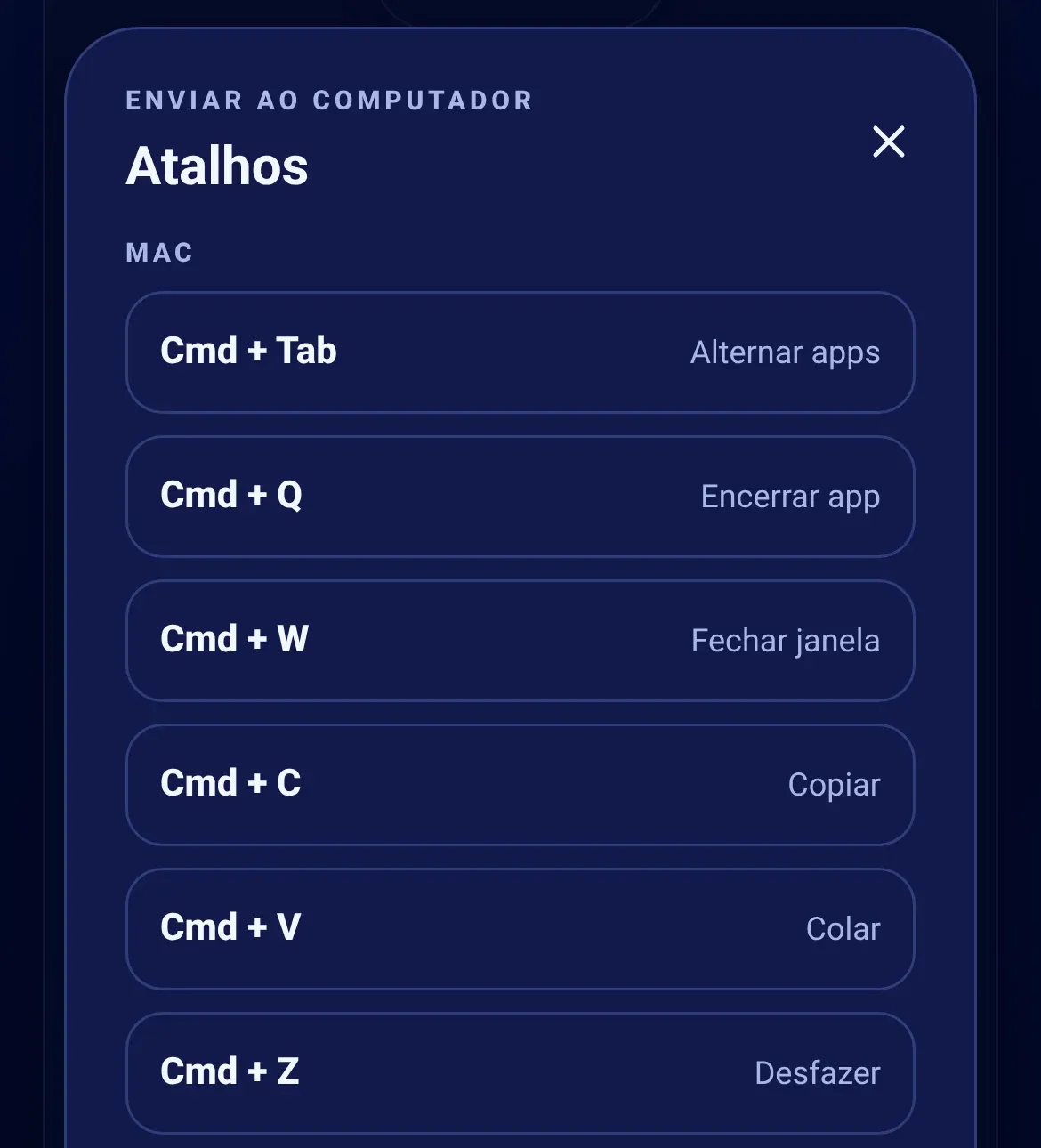
Play, pause, skip tracks and change the computer’s volume without leaving the sofa.
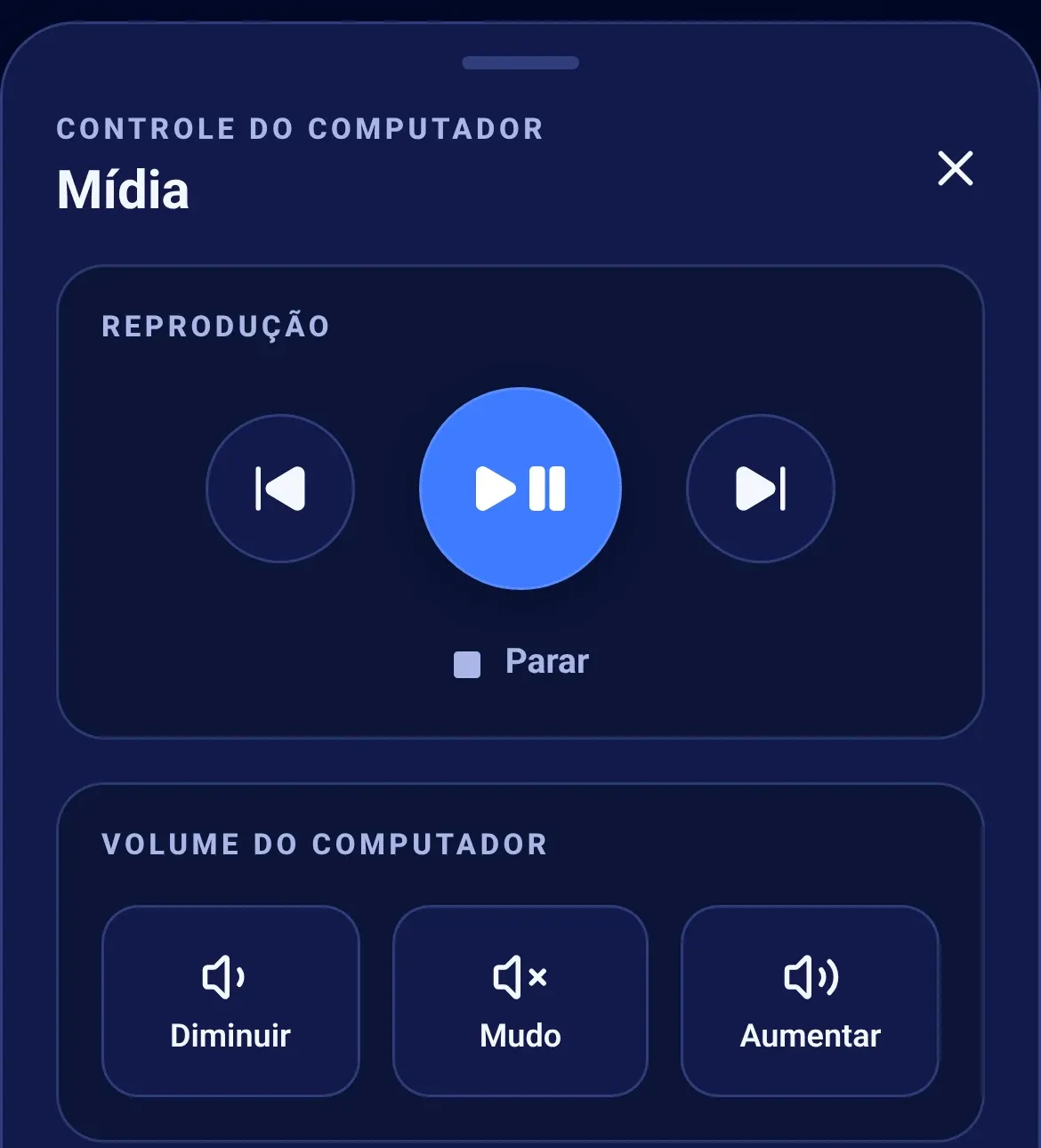
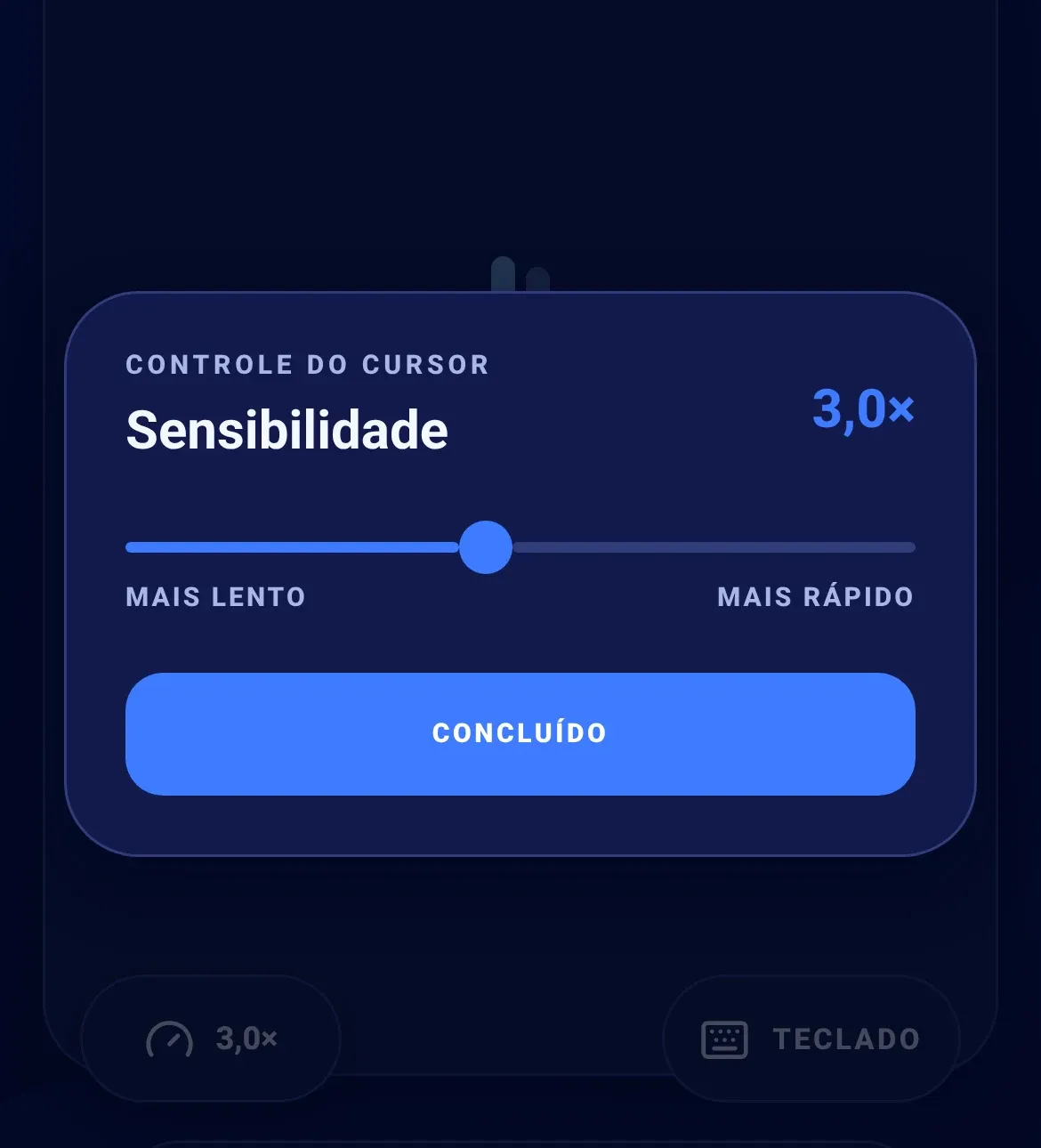
Dial cursor speed from 0.5× to 6× — your preference is saved on the phone.
Built for responsiveness: touch movement is gathered on the UI thread and sent the moment it happens, as tiny JSON messages over a single WebSocket.
1 batch per frame
Finger movement is batched at most once per active frame — no flood of tiny updates.
1 KB max per command
Compact, versioned commands keep the connection light on your network.
Point, click, type and play from anywhere in the room. ConnectMouse keeps it simple and practical.
Your phone becomes a full touchpad with left click, right click and two-finger scrolling.
Type messages, searches and passwords on your computer with the keyboard you already know.
Run presentations, movies and music from across the room — perfect for the couch or the meeting room.
Thoughtful details that make your phone feel like it was always meant to be a mouse.
A quick tap is a left click, just like a laptop trackpad.
Long-press anywhere on the pad to open context menus.
Scroll pages vertically and horizontally with two fingers.
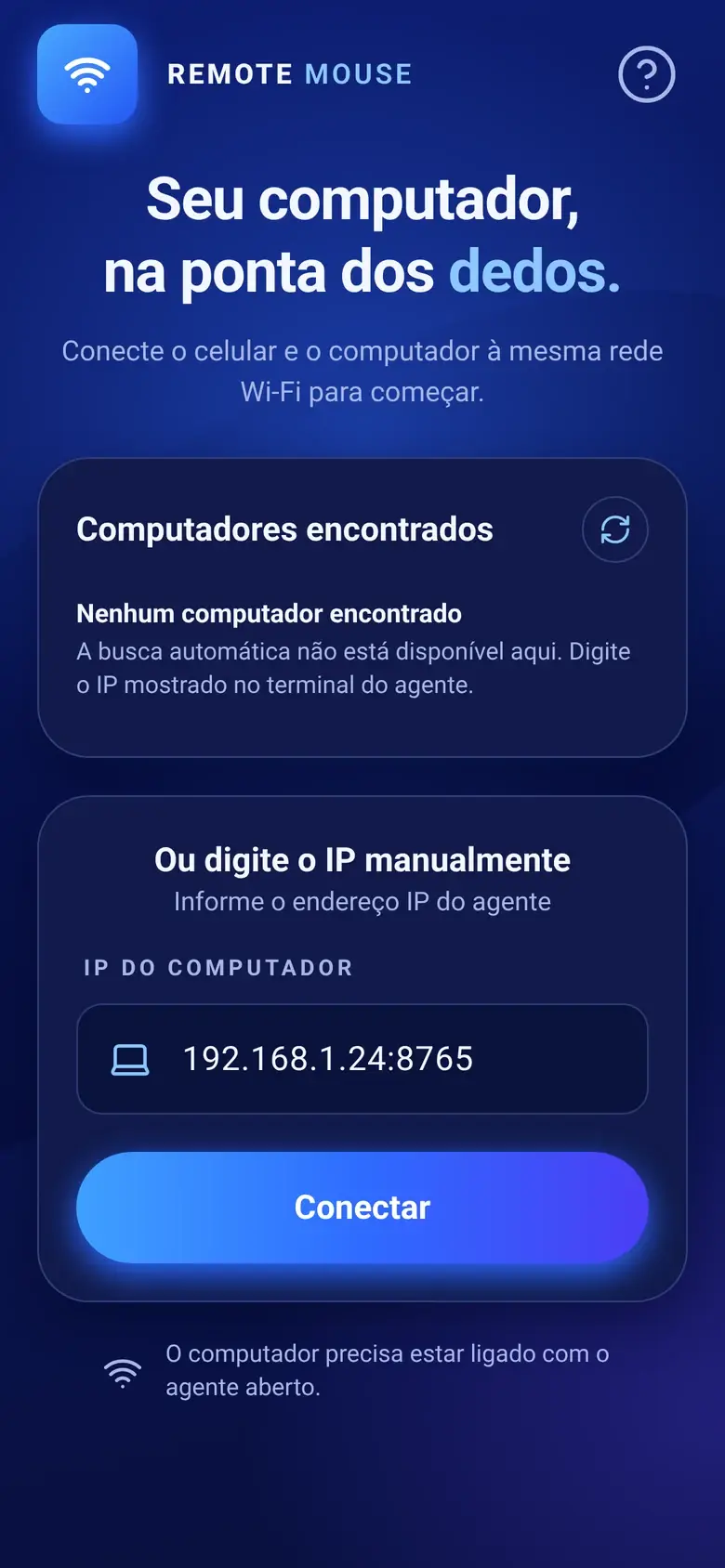
The app finds computers on your network via mDNS — or type the IP.
If Wi-Fi drops, the app keeps trying to reconnect for you.
On Android, the volume keys change your computer’s volume.
ConnectMouse sends real system mouse and keyboard input, so it works with any app you open.
No subscriptions, no accounts, no surprises — every piece of ConnectMouse is free to download and use.
The remote in your pocket — Android & iOS
$0
Free forever, no in-app purchases
What’s Included:
Menu bar app for macOS 13 or laterNative tray app for Windows 10 & 11
$0
Required on the computer you want to control
What’s Included:
For tinkerers and curious developers
$0
Public repository on GitHub
What’s Included:
Getting started takes just a few taps. Here is exactly what you will see in the app.
Read The Setup GuideConnect your phone and your computer to the same Wi-Fi network — that’s the only requirement.
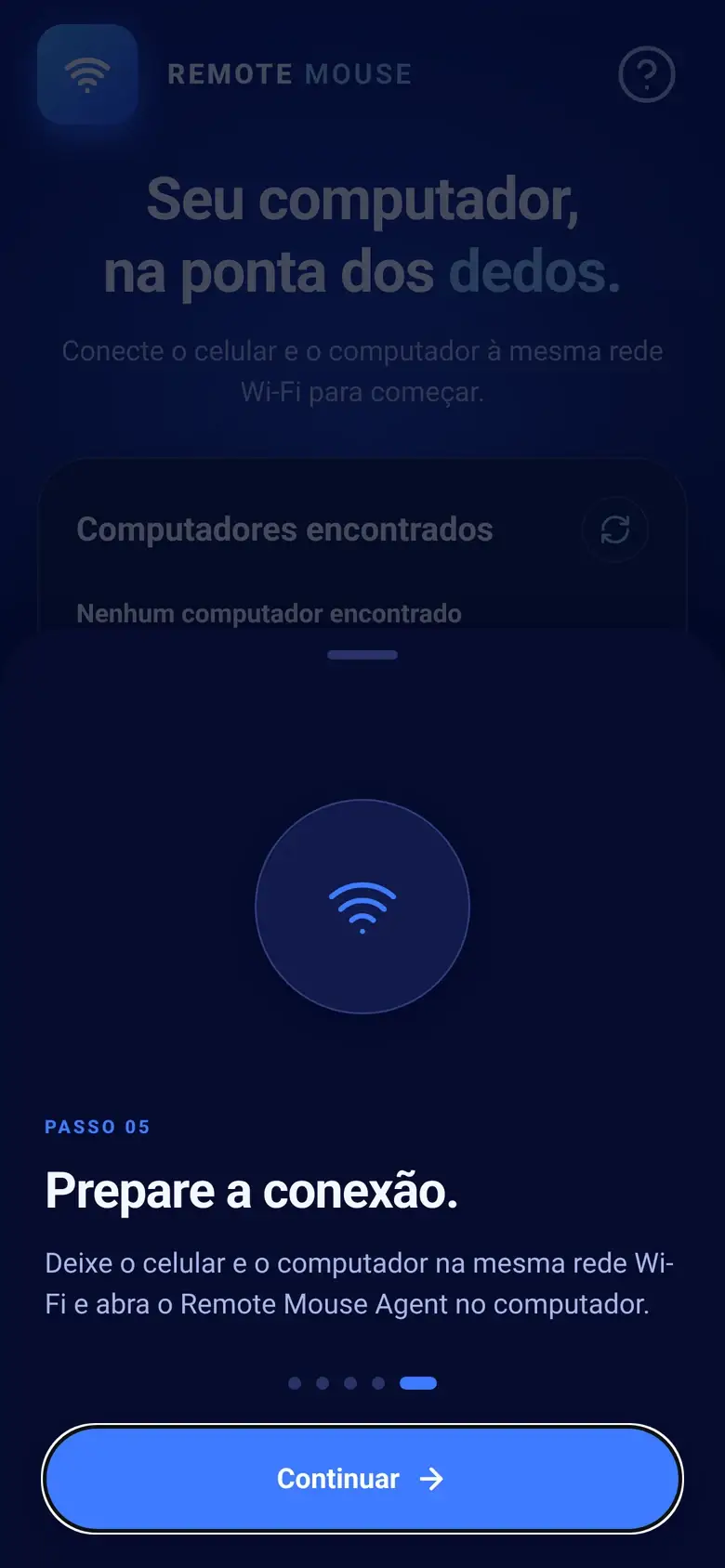
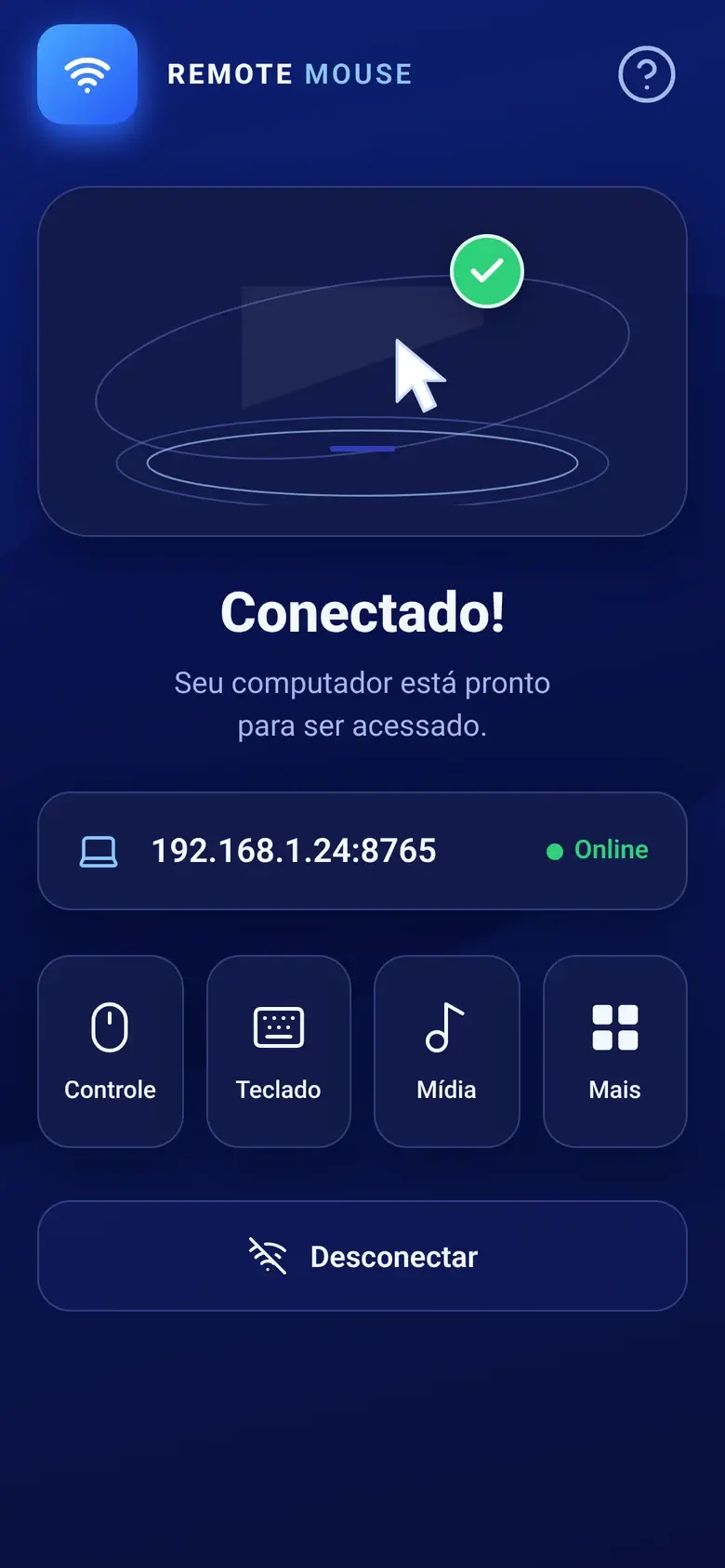
Open ConnectMouse on your Mac or Windows PC and click Start server. It waits quietly next to your clock.
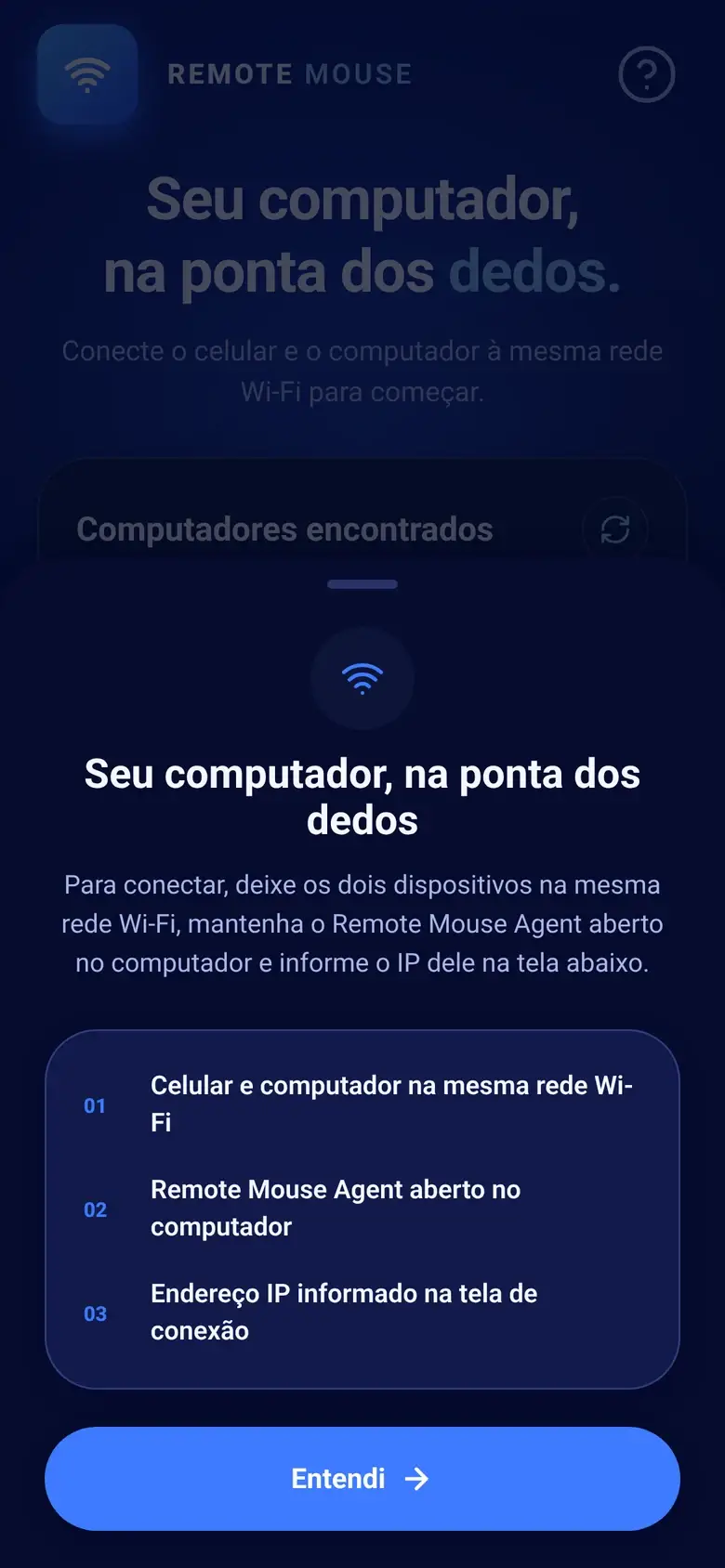
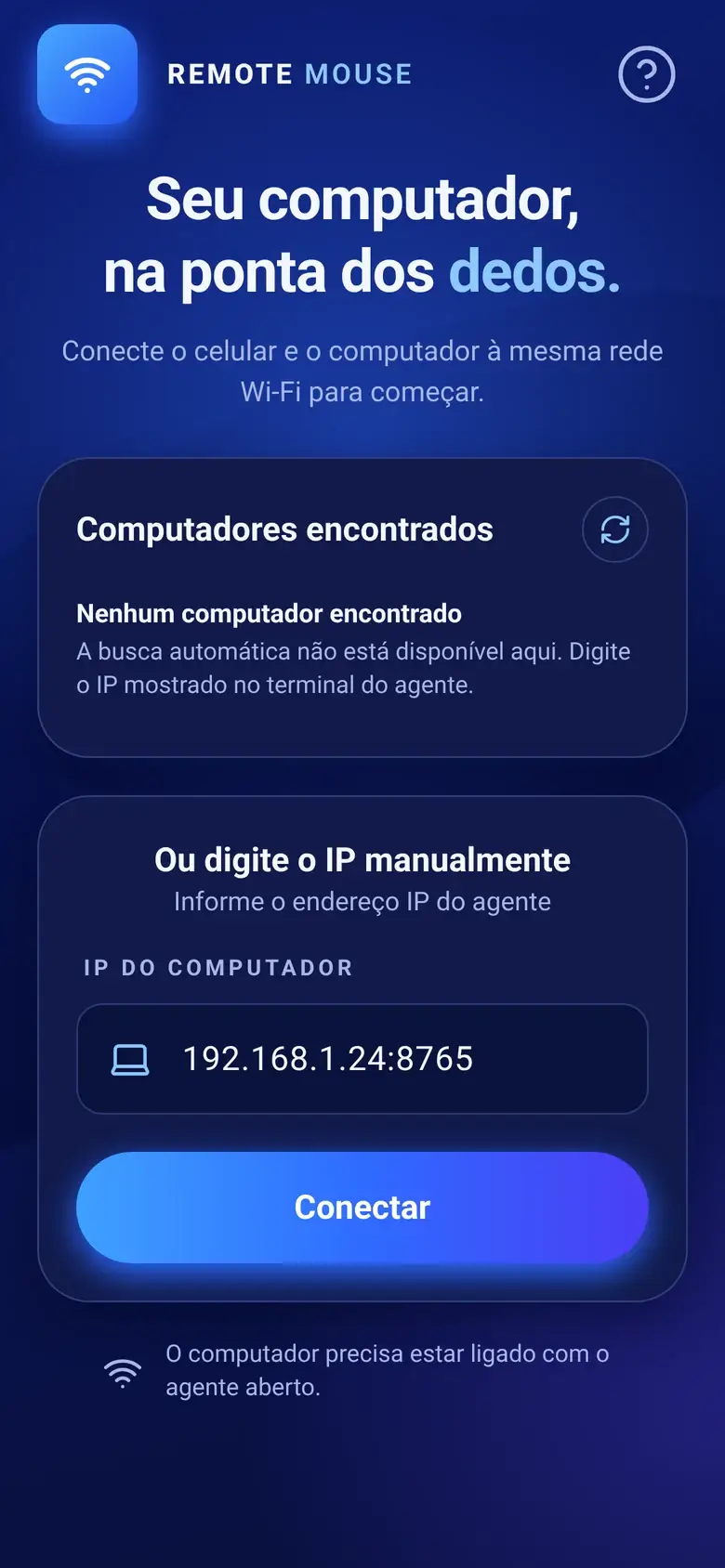
Pick your computer from the list the app discovers, or type the address shown on the desktop app.
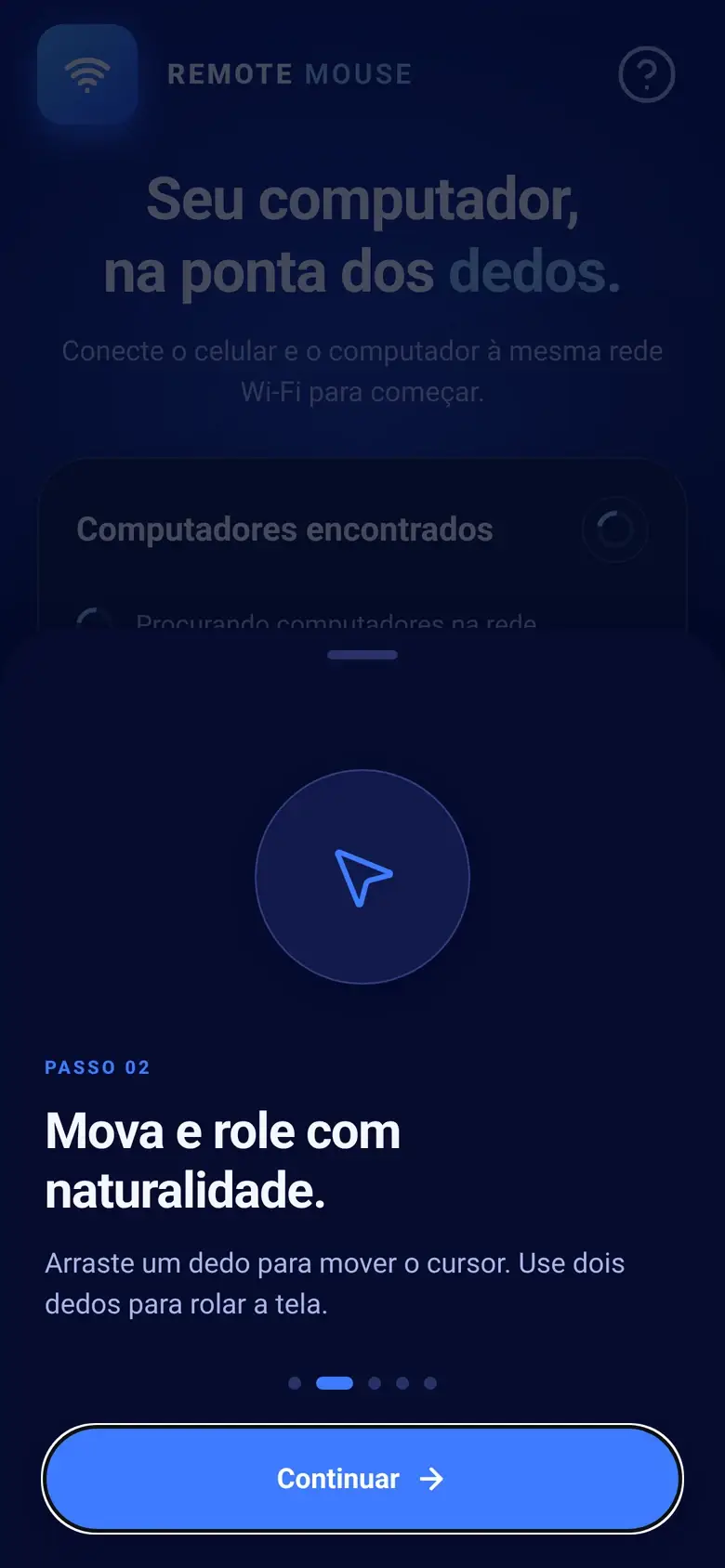
Drag one finger to move the cursor and use two fingers to scroll — smooth and natural.
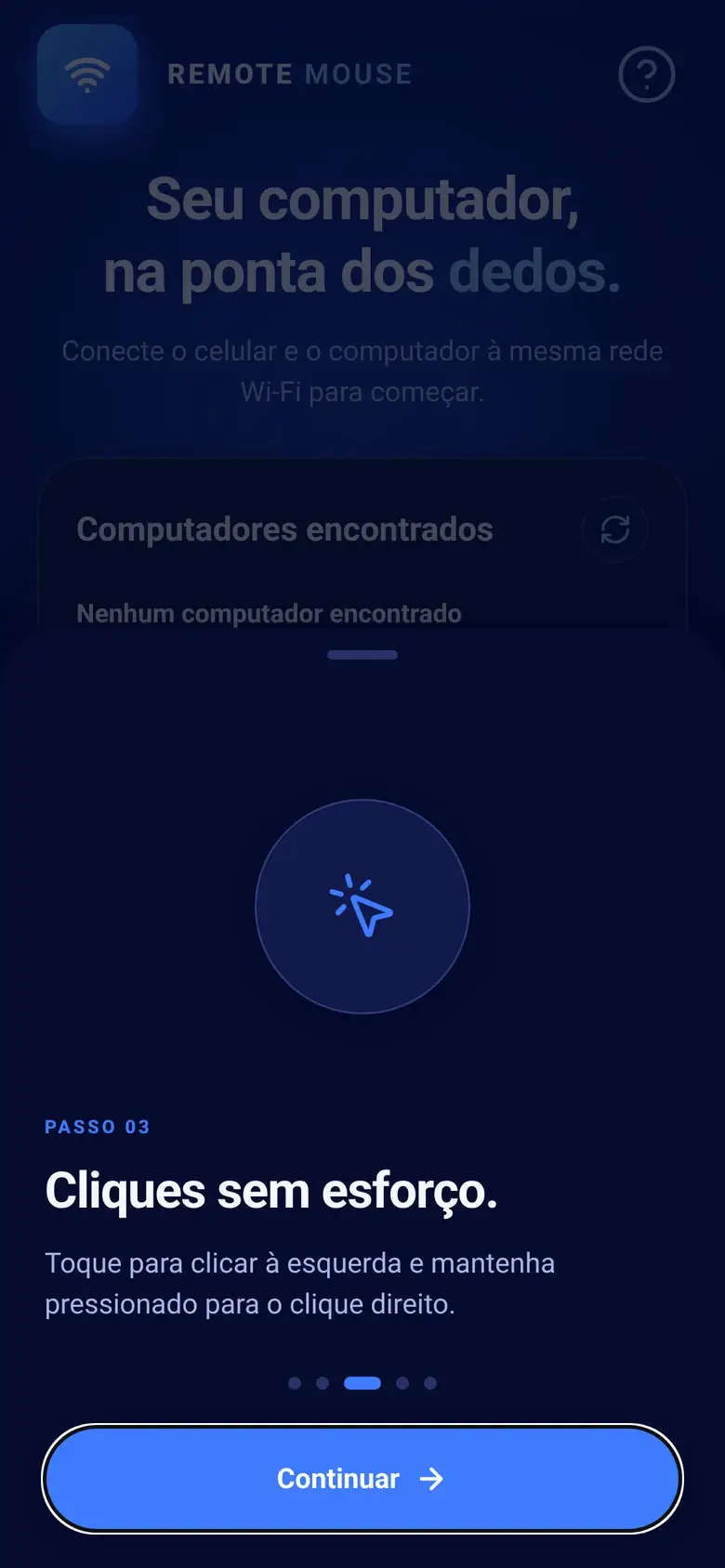
Tap to left-click and press and hold for a right-click. No extra buttons needed.
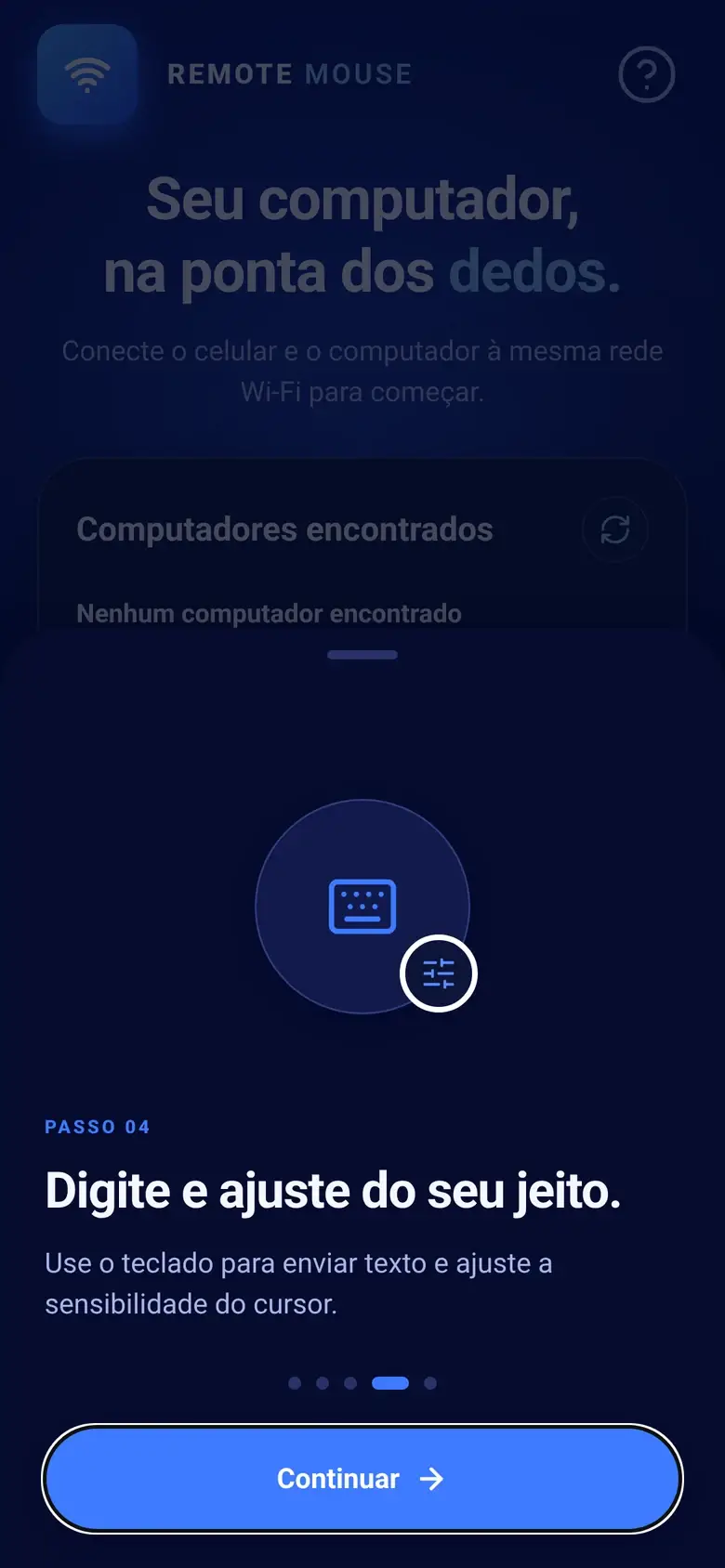
Open the keyboard to type on your computer and fine-tune cursor sensitivity to your liking.
Step-by-step guides for every part of ConnectMouse, from your first connection to how the protocol works.
Download ConnectMouse on your phone, open the desktop app on your Mac or PC and take control of your computer from anywhere in the room.